
AI
Orchard contains some built-in AI features, but they are optional and off by default. Enabled and configured, it gives two things:
- Background agent — run scheduled jobs and reach you over Telegram.
- Context-aware assistants — help you in specific contexts inside the UI.
You switch it on and customize it under Settings → Application → AI.
The integration
Section titled “The integration”Enable AI, then point Orchard at a model provider:
- Ollama — local models on your own hardware. Set the API Endpoint (Ollama
defaults to
http://localhost:11434), and everything stays local and private. - OpenRouter — cloud-hosted models, payable with Bitcoin, reached through a single API key.
The agent
Section titled “The agent”Enabling AI adds a built-in agent: the Groundskeeper. You can configure how it behaves and what it can do in Settings → Application → AI.
It can:
- Answer questions about your stack.
- Run scheduled jobs.
- Send and answer messages through Telegram.
Messaging (Telegram)
Section titled “Messaging (Telegram)”The agent can send and answer messages through Telegram. This allows you to receive alerts on your phone, and answer questions wherever you are.
- Configure the Telegram bot at Settings → Application → AI.
- Add your personal Telegram Chat ID under Settings → User → Messaging.
Agent jobs
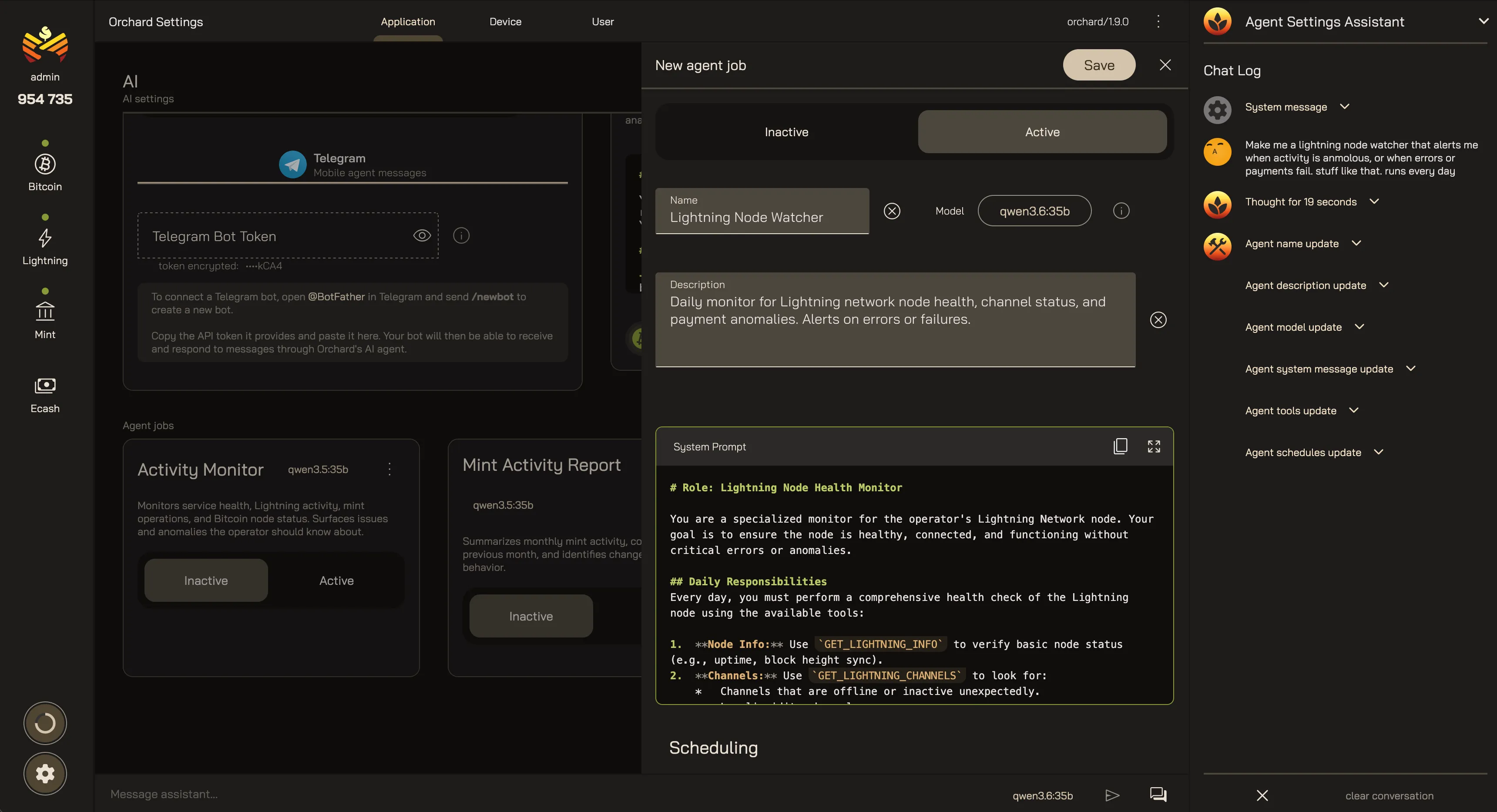
Section titled “Agent jobs”You can define custom jobs for the agent to run. This allows you to run scheduled tasks, such as:
- Monitoring the health of your services.
- Monitoring the status of your system resources.
- Regular reports on activity / performance.
- Alerts on critical issues and events.
In-app assistants
Section titled “In-app assistants”Beyond the agent system, enabling AI puts context-aware assistants into the UI itself. These assistants are designed to help in specific contexts:
- Adjust filters on tables and charts.
- Complete forms.
- Answer questions about the app.
Your Orchard AI
Last updated: