
Bitcoin
Connecting your Bitcoin node to Orchard gives you a dedicated view of the node. The integration also quietly powers features across the rest of the app.
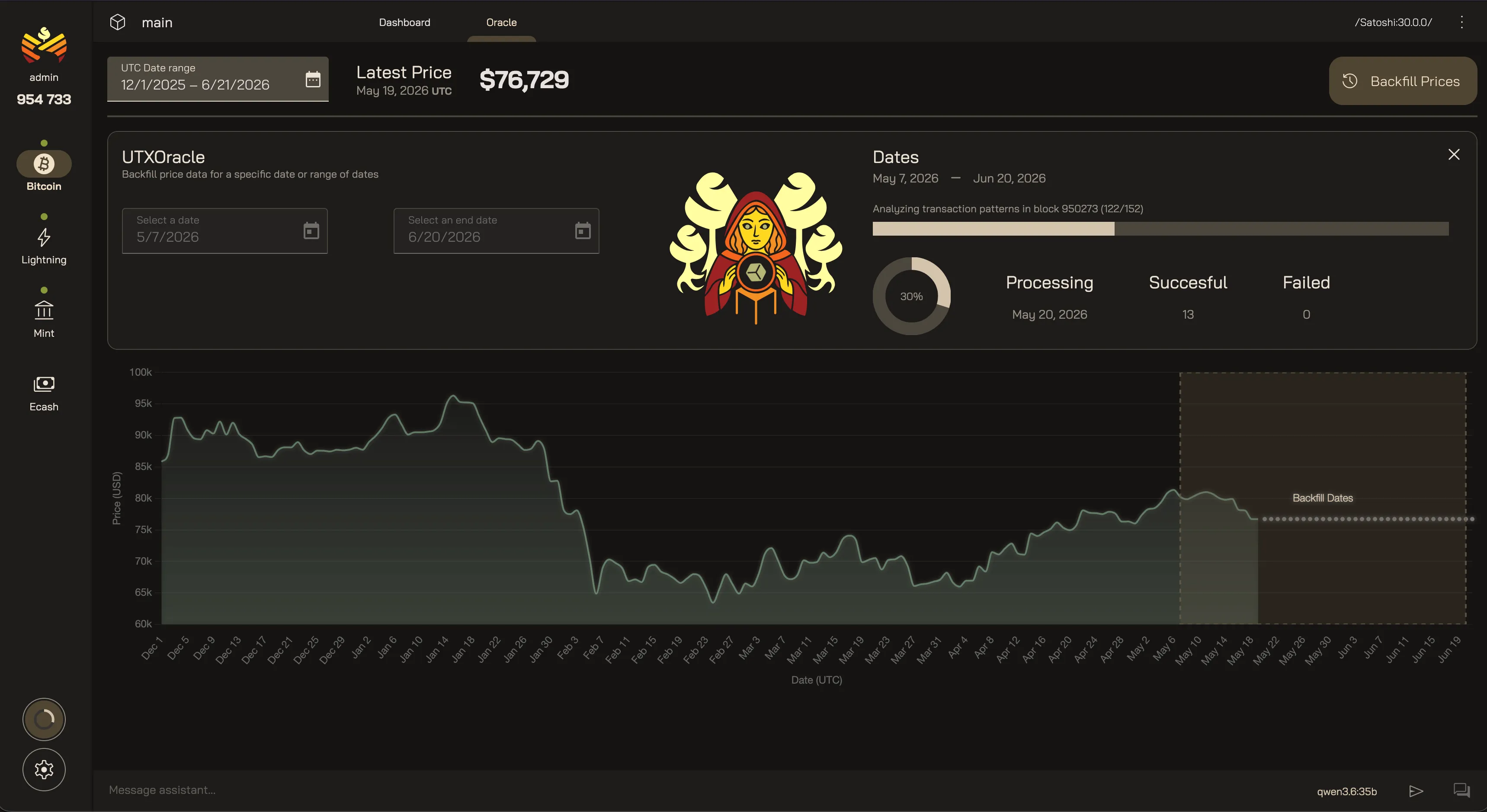
Bitcoin Dashboard
Section titled “Bitcoin Dashboard”Today, the home page contains information about your Bitcoin node. A dedicated dashboard is coming soon.
Oracle
Section titled “Oracle”The Oracle is an optional feature that allows you to add in-app USD conversions alongside Bitcoin values using only your own node’s on-chain data.
You can backfill price history all the way back to 2020 in order to get accurate conversions on historical transactions. To learn more about the Oracle and how to enable it, see Settings → Application → Bitcoin.
Connecting a Bitcoin node also gives the AI agent read-only tools for knowing what’s happening on your node:
- Network Info — peer connections and network status.
- Blockchain Info — sync progress and chain state.
- Bitcoin Analytics — on-chain payment activity and fees over time.
Your Orchard Bitcoin
Last updated: